From 20Vision, makers of AI Architectures · 16,000+ users · customers in 75+ countries · since 2022
Book formatting · Amazon KDP paperback · EPUB
See your manuscript as a finished book.
Upload your Word file and look at your own first chapter, typeset for print, before you pay anything. $39 gets the whole book: the paperback interior for Amazon KDP, the EPUB, and a cover template sized to your page count.
Free preview of your first chapter. No signup. It takes a few seconds.
- Typeset, not convertedJustified text, real chapter openings, running heads, page numbers where they belong
- Built to KDP's print rulesYour trim size, the inside margin your page count needs, every font embedded
- Pay once per book$39. No subscription, no software to learn
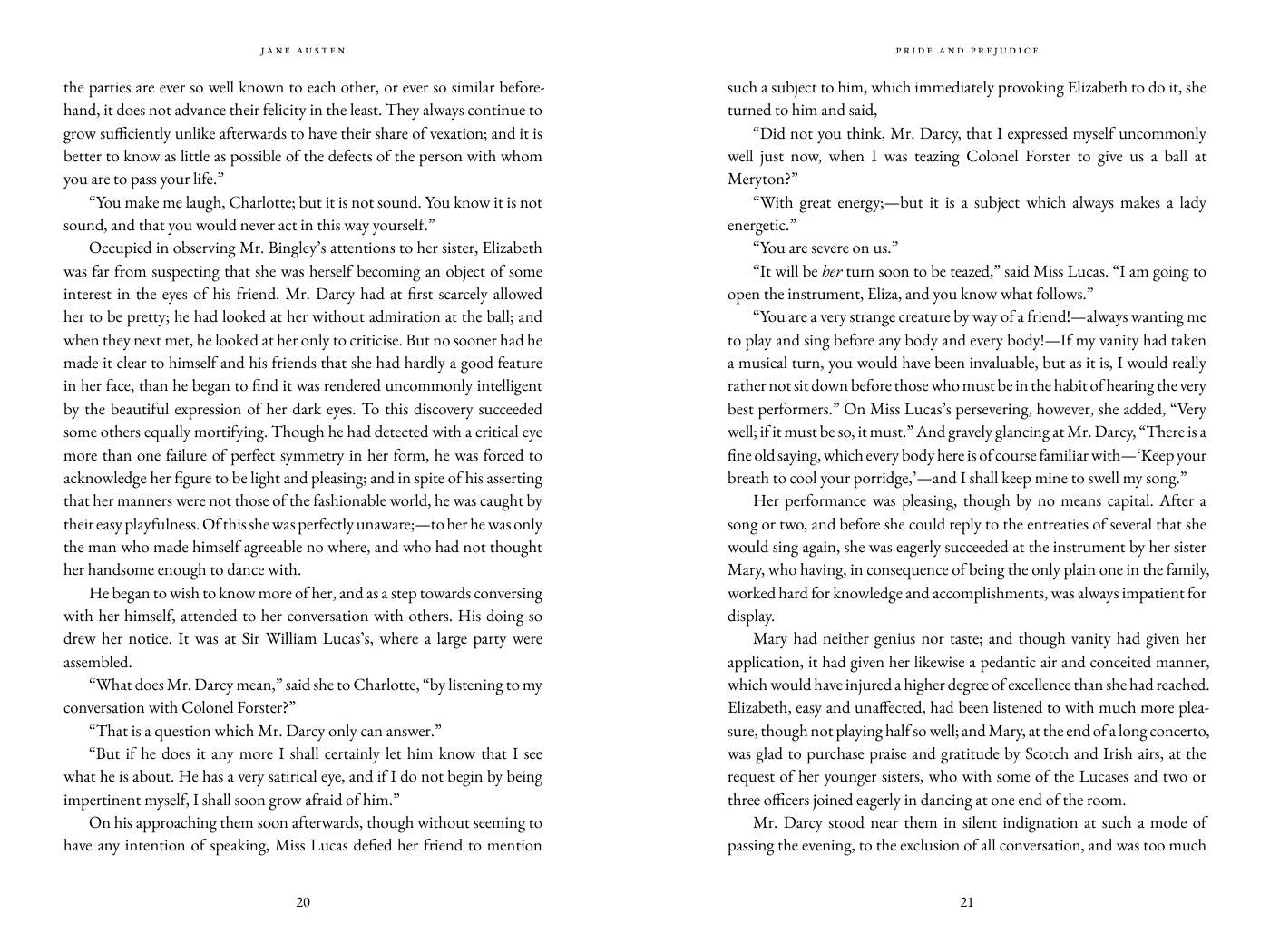
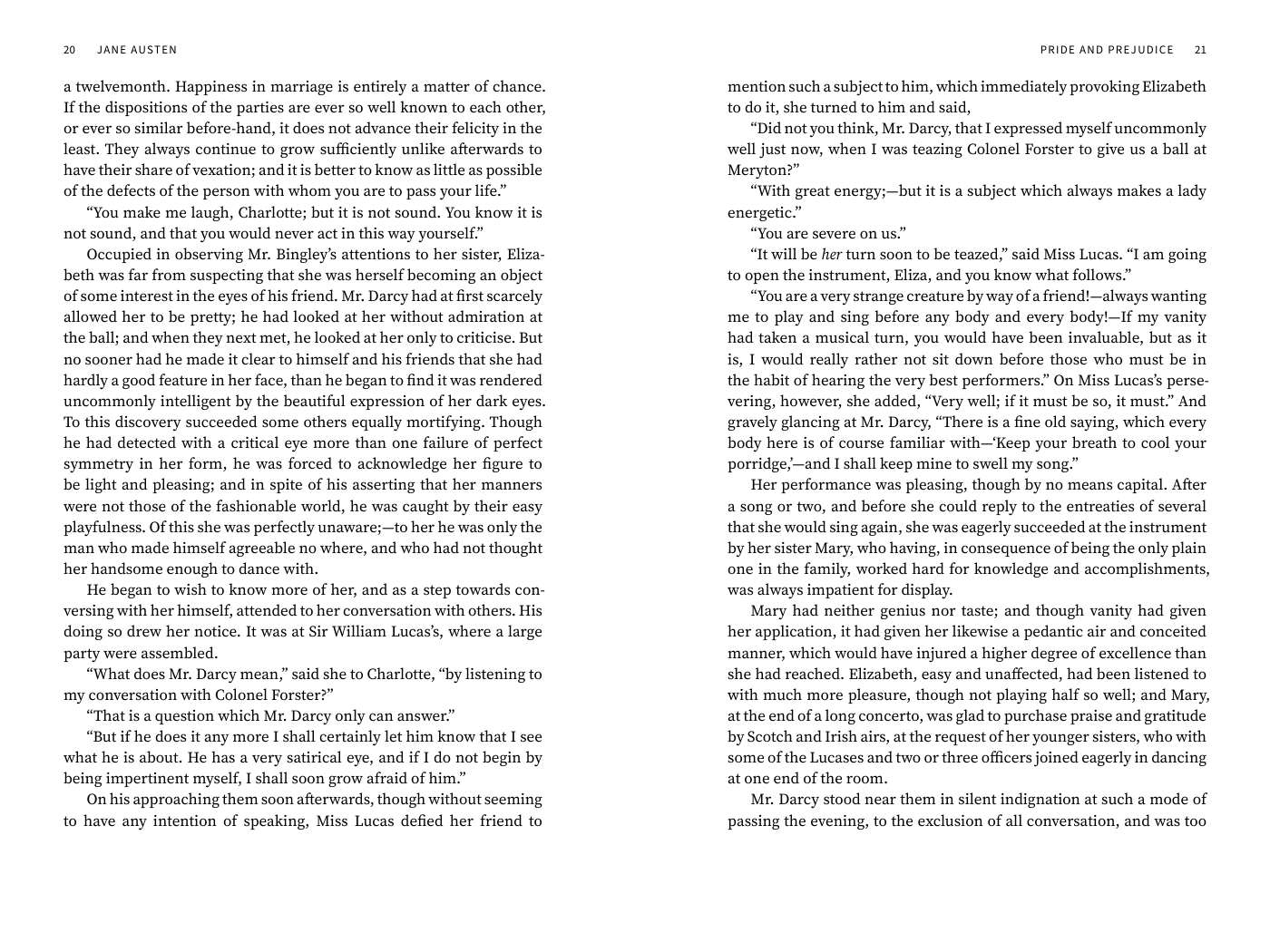
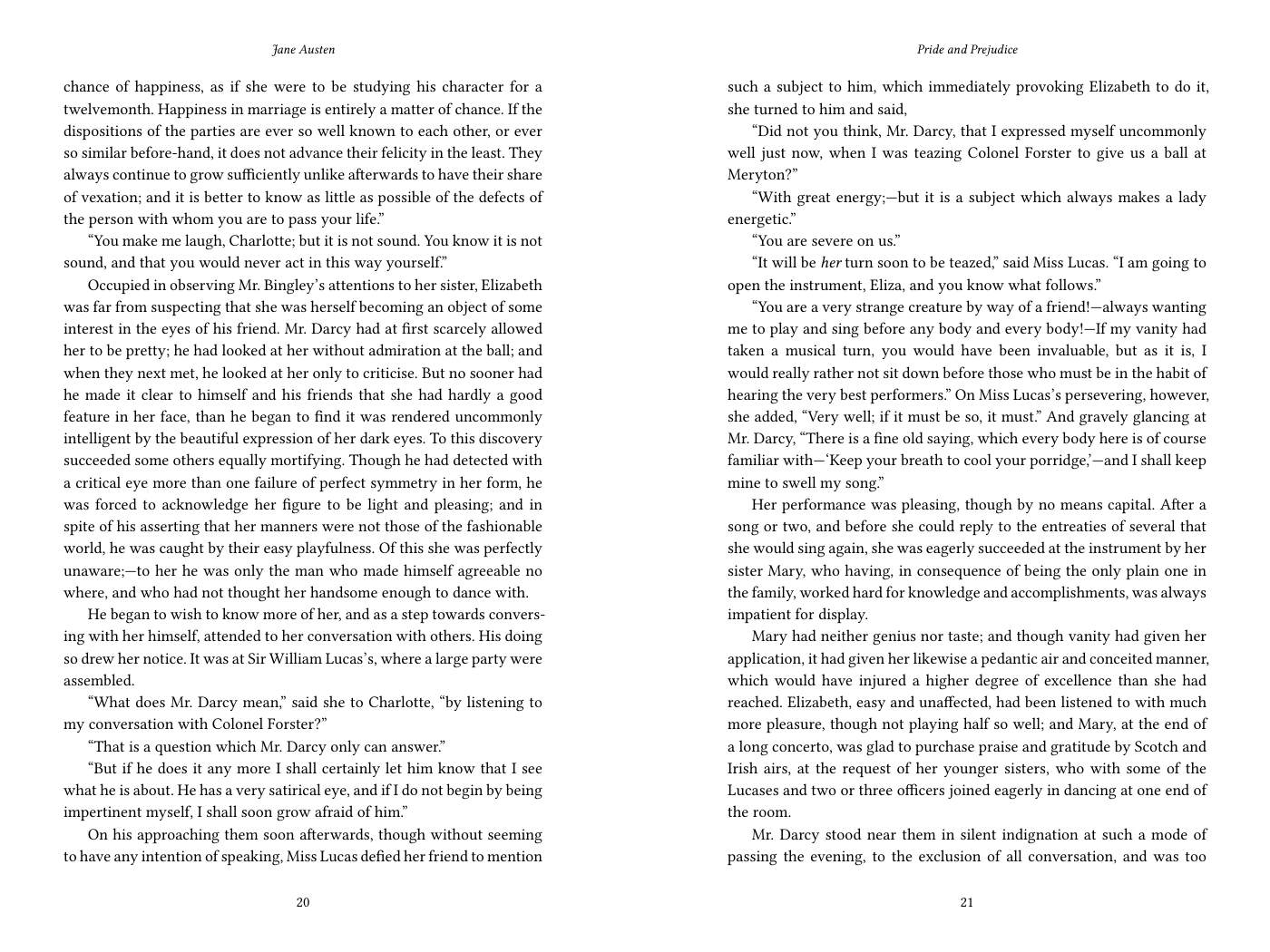
Garamond, centred chapter titles in small capitals. The look of a traditionally published novel.
What you get for each book
One payment per book. Change the trim size or the style within 30 days and the files are made again.
interior.pdfPaperback interiorPrint-ready PDF at your trim size: justified and hyphenated text, chapter openings, running heads, page numbers, front and back matter in the usual order, every font embedded. No bleed, as KDP expects for text.ebook.epubE-bookA reflowable EPUB with a linked table of contents, validated with EPUBCheck. Upload it to Kindle Direct Publishing, Apple Books, Kobo or Google Play Books.cover-template.pdfCover templateAn empty full-wrap cover at the exact size for your page count: spine width, bleed, safe zones and the barcode area, with the measurements in inches and in pixels for your designer or design app.report.pdfCheck reportWhat we found and what we did: the chapter list, the front and back matter, the scene breaks, the margins used, and the result of each check, including that no text was lost.upload-guide.pdfKDP upload guideWhich file goes where on KDP and which settings to pick for this book: trim size, no bleed, paper, and the page count.
The same book in three styles
Pride and Prejudice (public domain), typeset by this tool at 6 x 9 in. These are pictures of pages from the finished print PDFs, not mockups.
Classic
Garamond, centred chapter titles in small capitals. The look of a traditionally published novel.
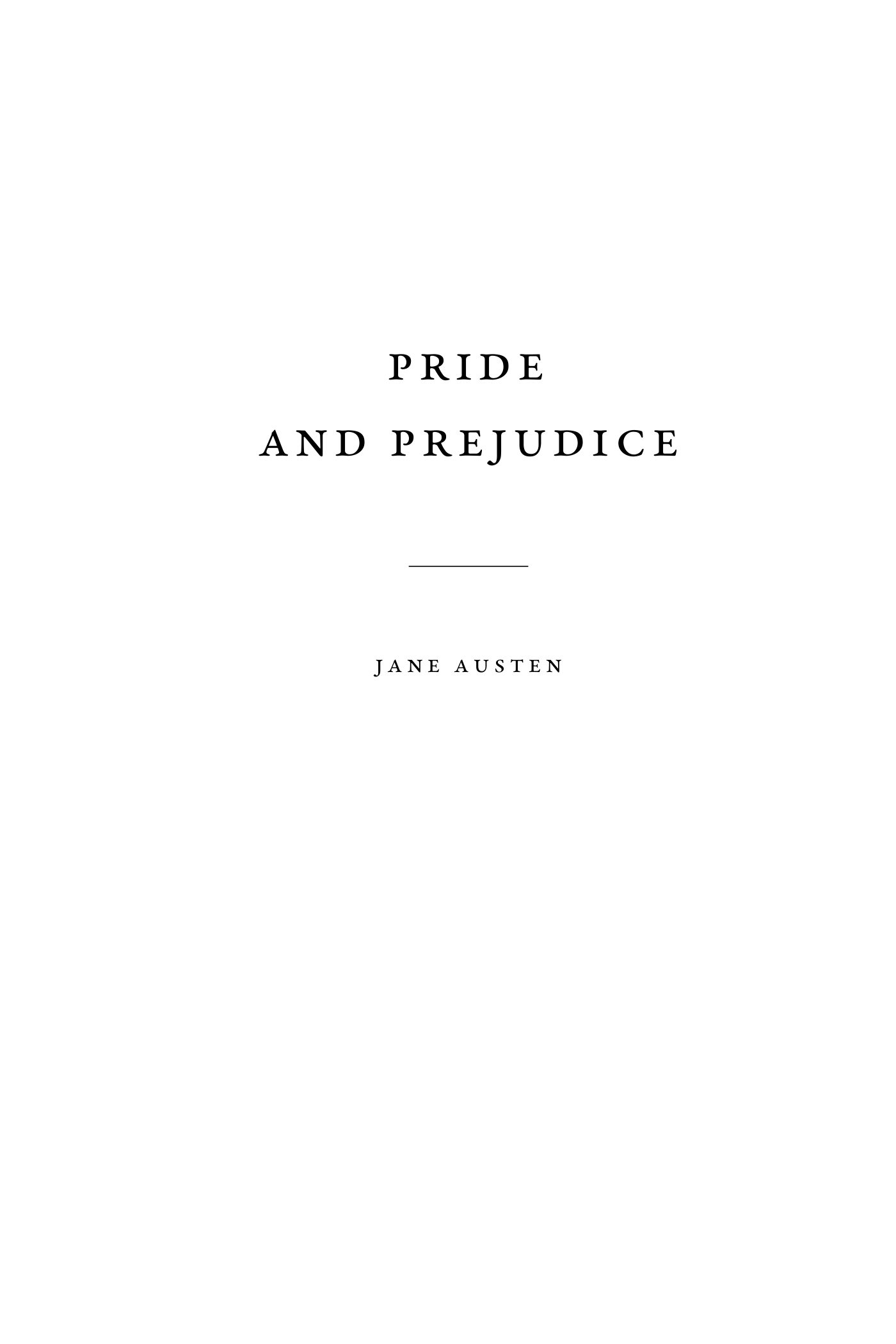
Title page 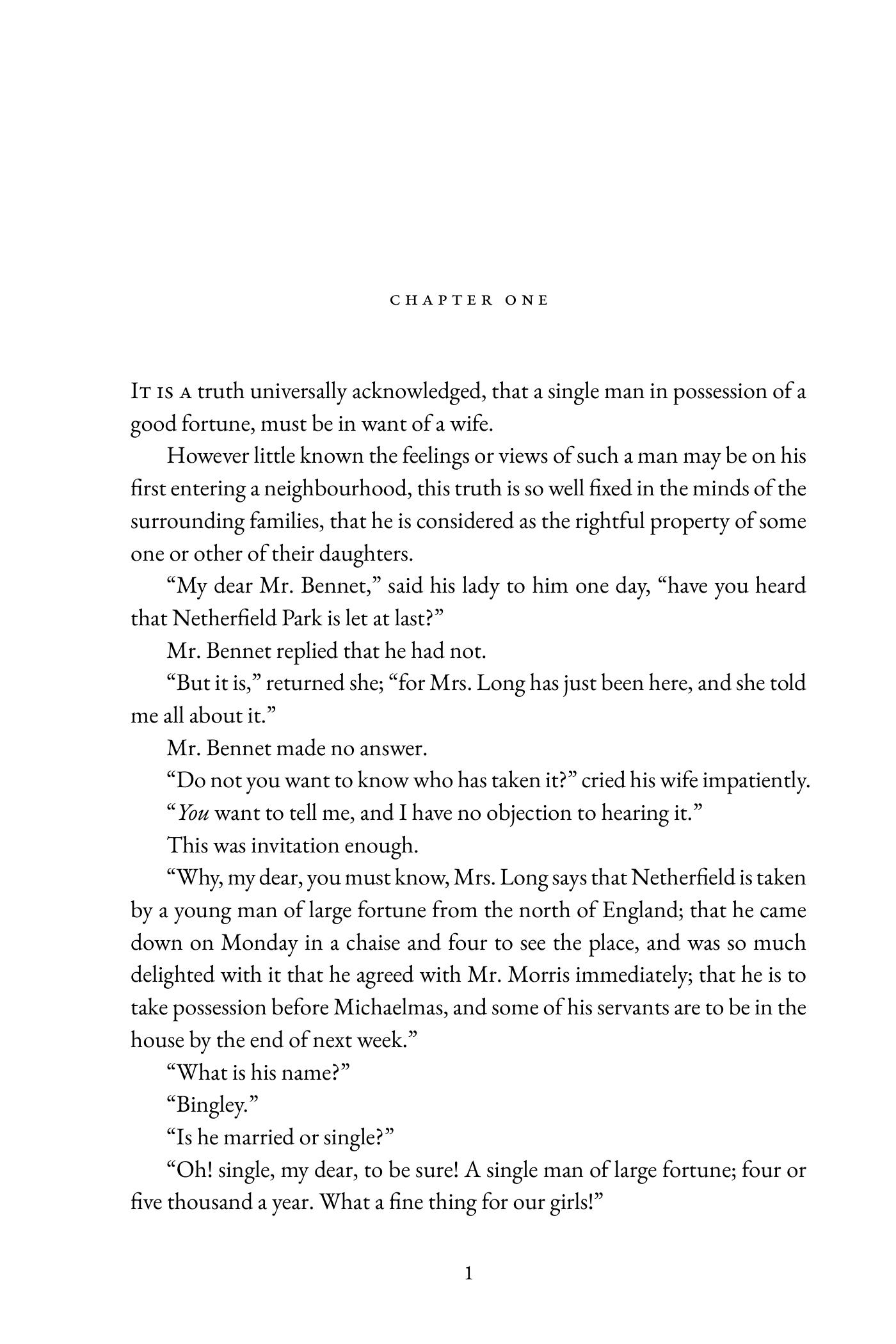
Chapter opening Two facing text pages 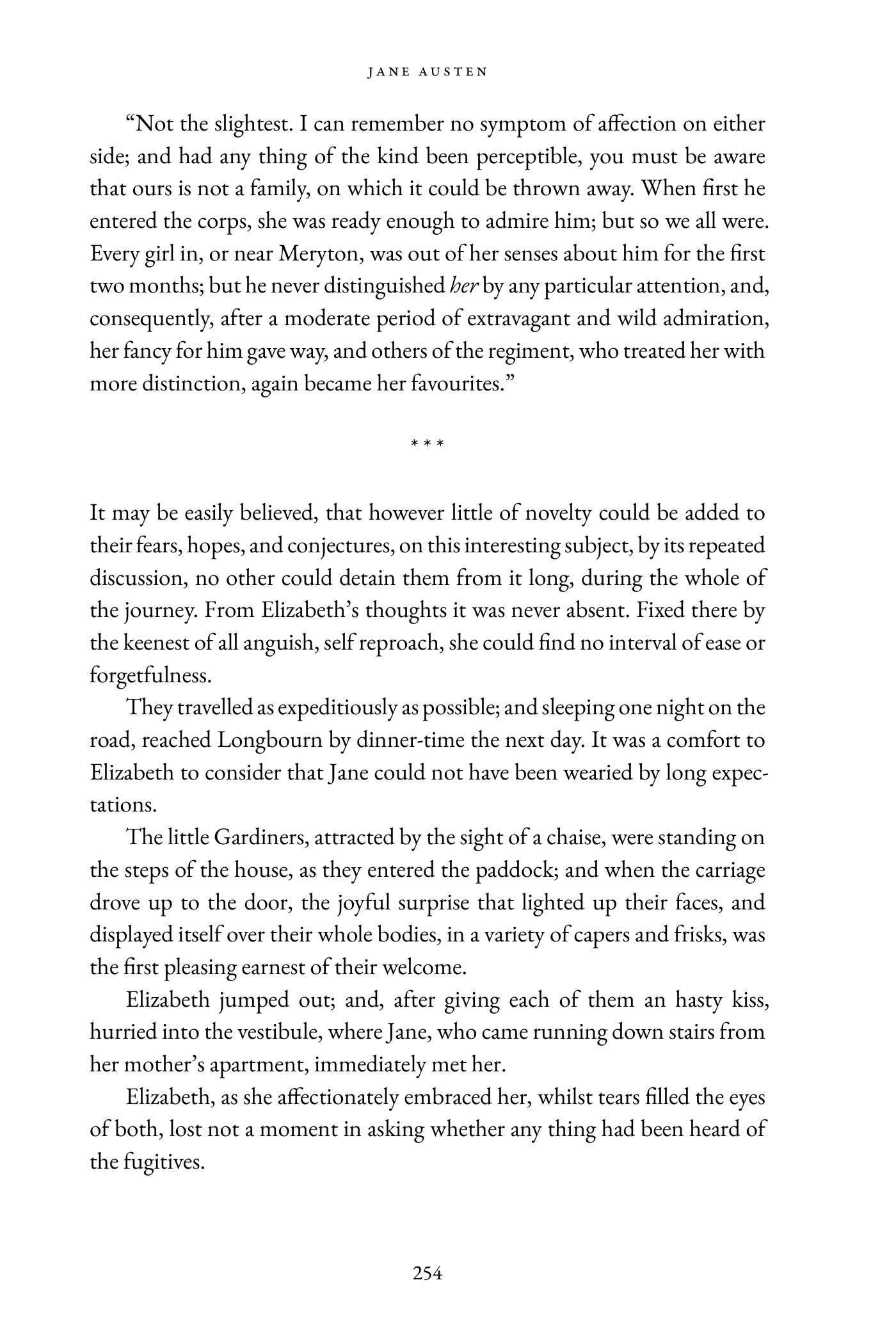
Scene break
Modern
Clean serif text, left-aligned headings with a large chapter number. Suits non-fiction and contemporary fiction.
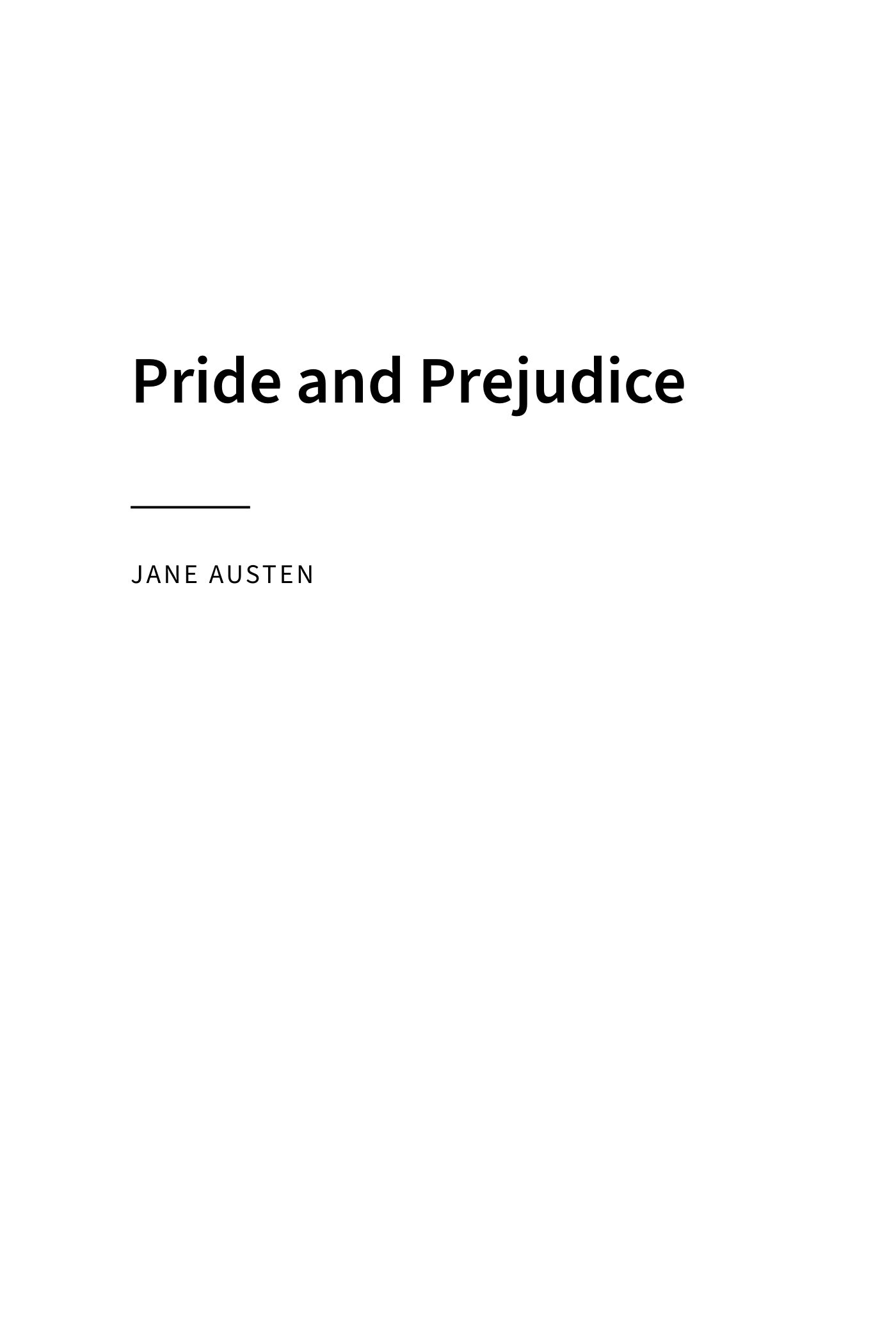
Title page 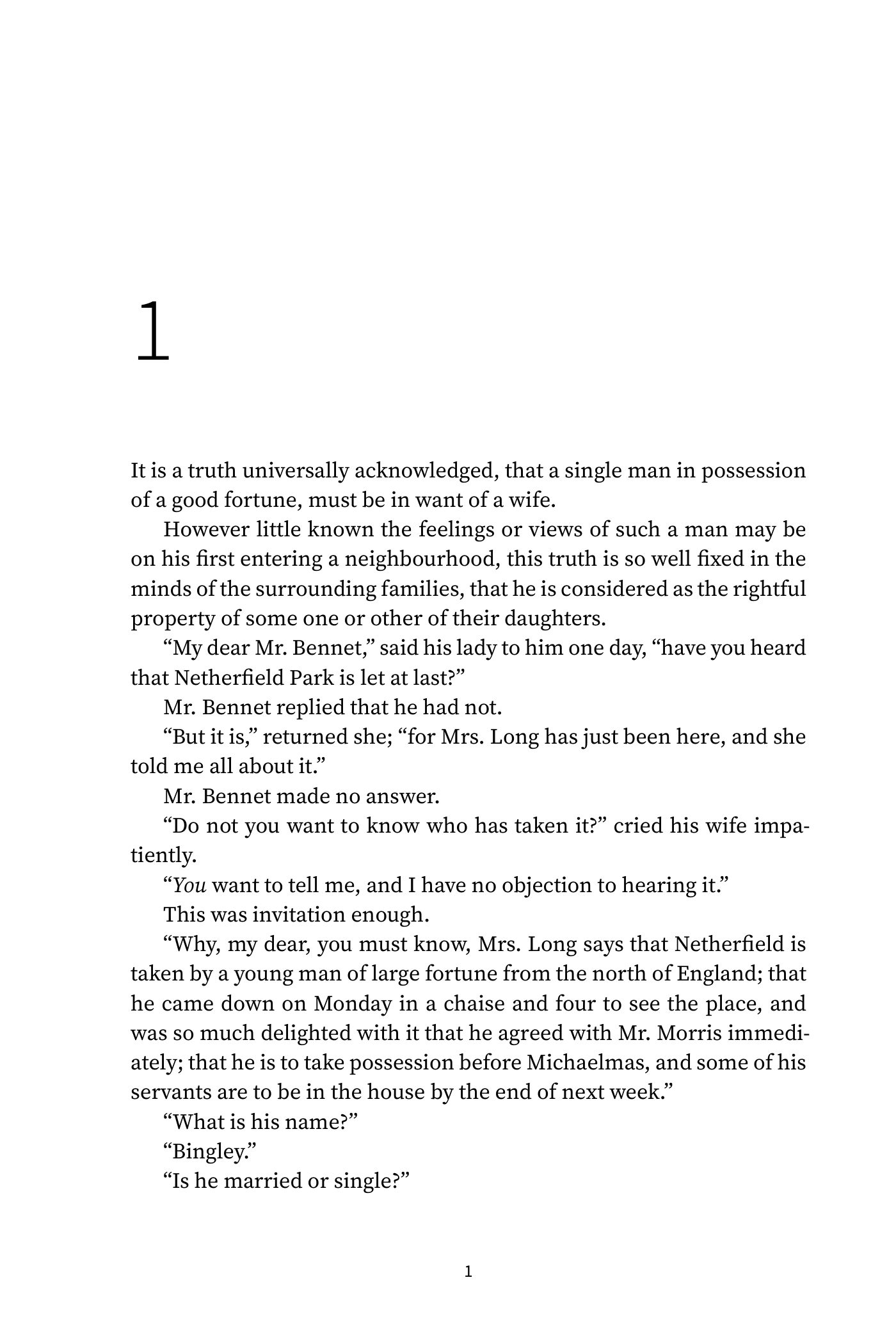
Chapter opening Two facing text pages 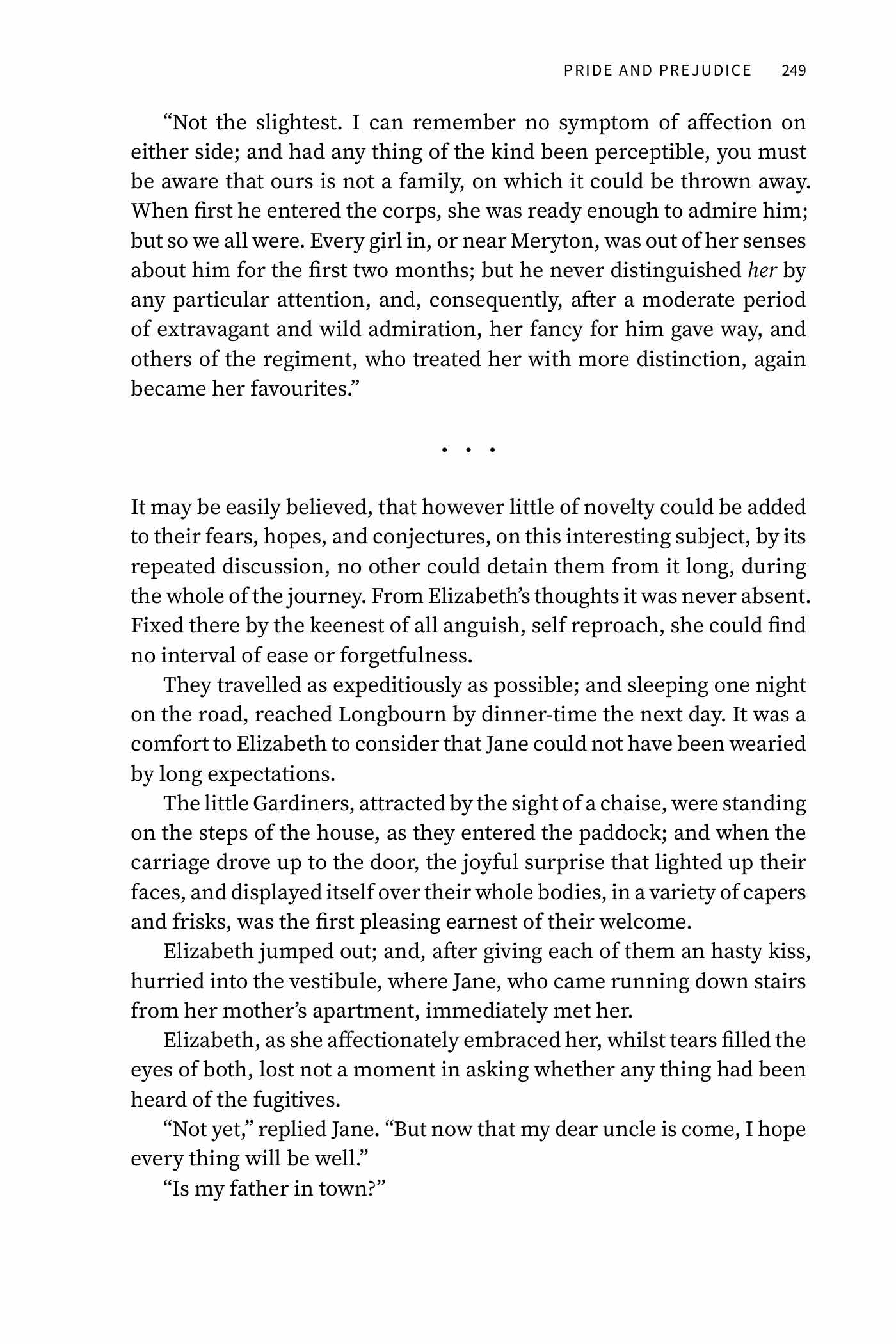
Scene break
Elegant
Italic display titles, a drop capital and an ornament at scene breaks. Suits romance, historical and literary fiction.
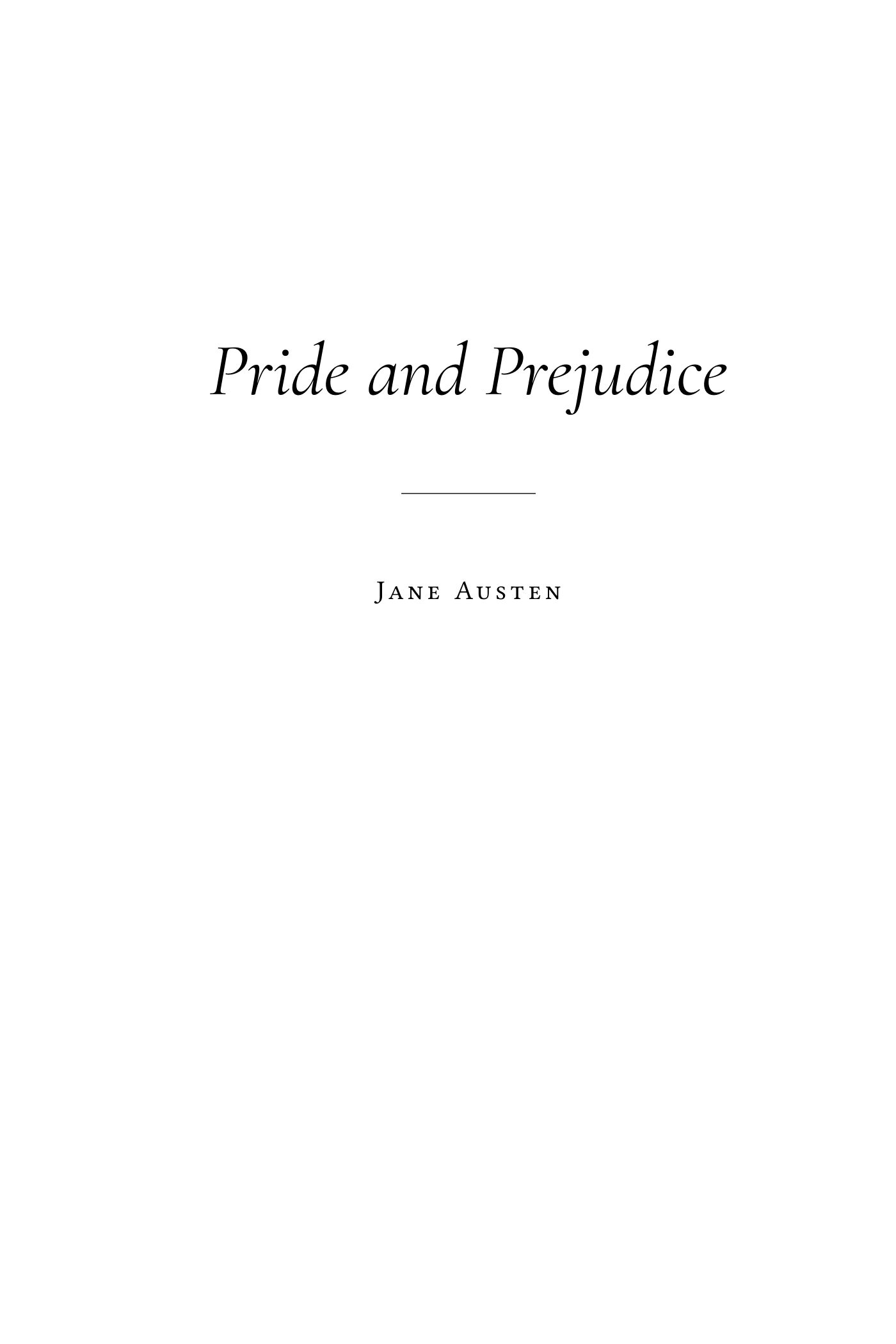
Title page 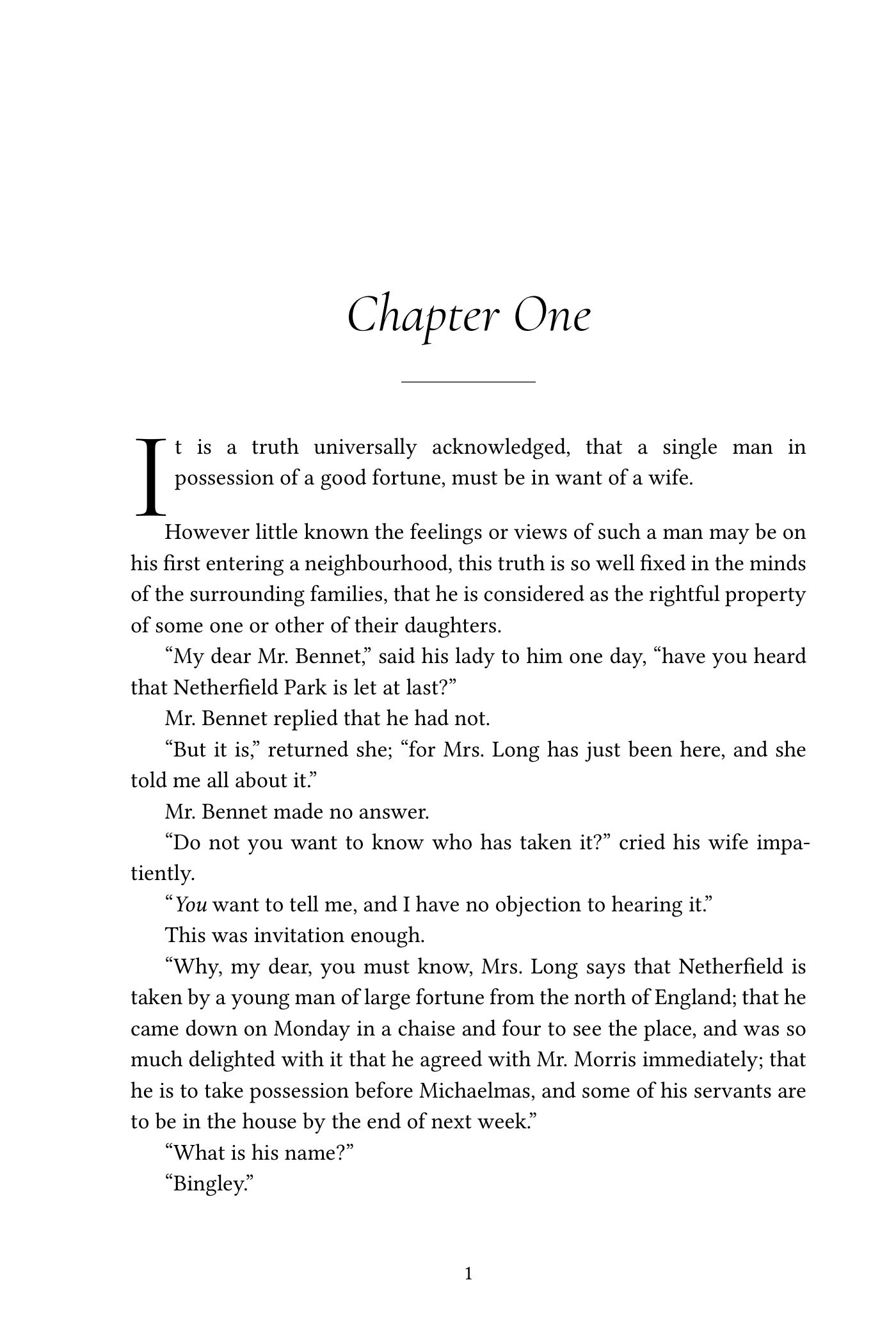
Chapter opening Two facing text pages 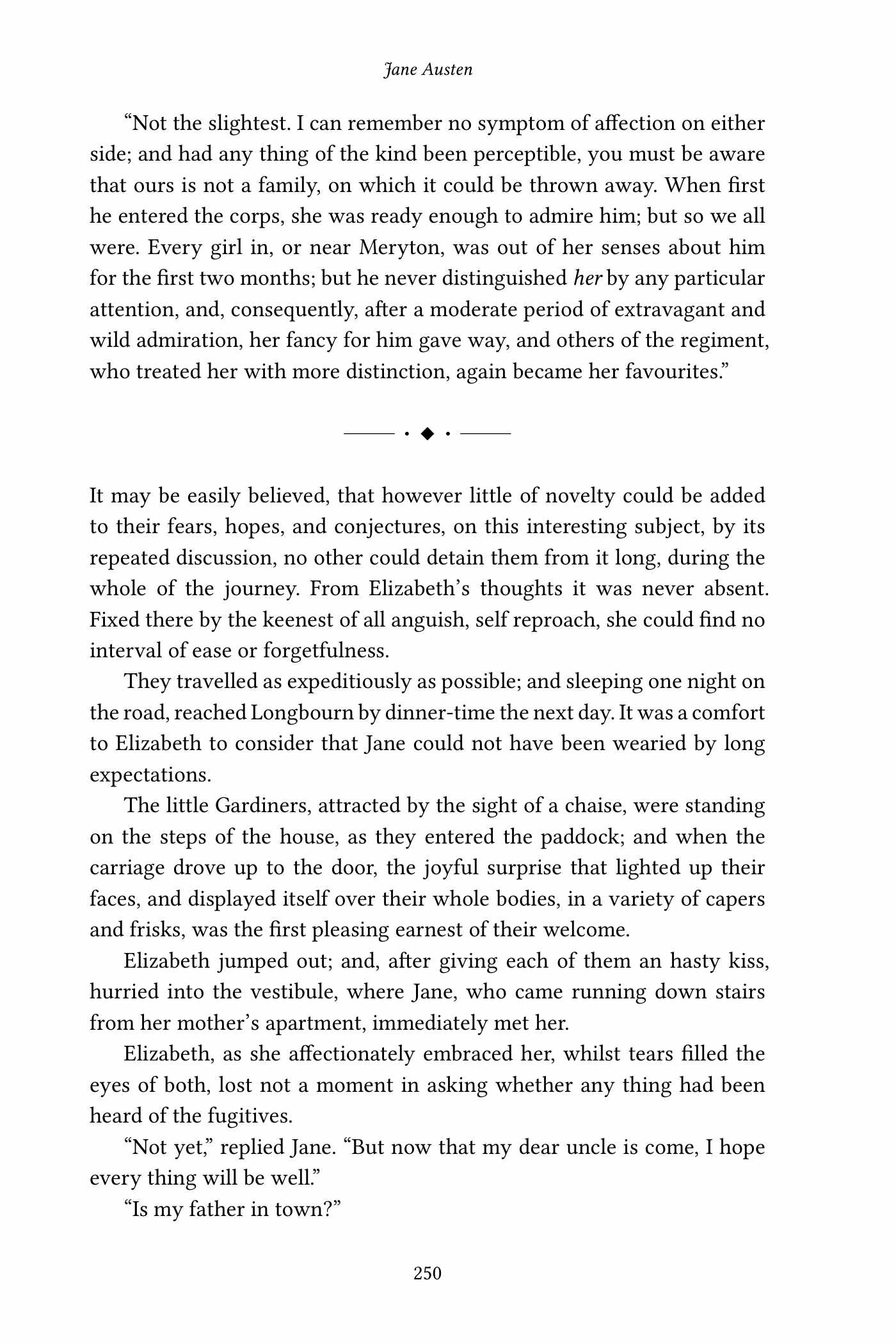
Scene break
How it works
Upload your manuscript
One file, no signup. A few seconds later you see your title page and the start of your first chapter, typeset. Pick one of three styles and your trim size and look again.
We format the whole book
Every chapter, scene break and front-matter page is checked, then the book is typeset by fixed rules. The proof pages are read before anything is sent to you.
Upload the files to KDP
You get the paperback interior, the EPUB, the cover template and a short guide with the settings to choose. Want another trim size or style later? Ask within 30 days.
What it does
- Typesets the paperback interior at 5 x 8, 5.25 x 8, 5.5 x 8.5 or 6 x 9 inches, with the inside margin your page count needs under Amazon KDP's print rules
- Sets justified, hyphenated text with first-line indents, chapter openings, running heads and page numbers, and keeps headings from sitting alone at the foot of a page
- Finds your chapters, parts, front matter and back matter, also when they are typed as normal text, and puts them in the usual order of a printed book
- Turns straight quotes into curly ones, double hyphens into dashes and three dots into an ellipsis, and keeps your italics, bold and small capitals
- Builds a reflowable EPUB with a linked table of contents and validates it with EPUBCheck
- Draws a cover template at the exact size for your page count and paper, with spine width, bleed and barcode area
- Checks the result: every font embedded, every page inside the margins, and a word-for-word comparison that shows no text was lost
What it won't do
- Design your cover: you get the template with the exact measurements, the artwork is yours or your designer's
- Edit, proofread or rewrite: your words stay exactly as you wrote them
- Lay out picture books, cookbooks, comics or other books where each page is designed by hand
- Promise that a printer accepts the file: it is built and checked against KDP's published rules, and if KDP's previewer objects to the interior we fix it at no charge
- Upload to KDP for you or ask for your passwords
- Provide ISBNs, copyright registration or publishing advice
The rules behind the numbers
| Amazon KDP asks for an inside margin of at least 0.375 in for 24 to 150 pages, 0.5 in for 151 to 300, 0.625 in for 301 to 500, 0.75 in for 501 to 700 and 0.875 in for 701 to 828 pages; outside margins of at least 0.25 in without bleed. | Source |
| The spine of a KDP paperback is the page count times 0.002252 in on white paper or 0.0025 in on cream paper; KDP prints text on the spine from 79 pages. | Source |
Pricing
Paperback interior PDF, EPUB and cover template for one book. Other trim size or style any time within 30 days. Two rounds of changes included. One payment, nothing renews.
StartThe same for three books, a series or a backlist. Use them within 12 months. Two rounds of changes included. One payment, nothing renews.
StartQuestions
What file do I upload?
The file you wrote the book in: Word (.docx or .doc), OpenDocument, RTF, Markdown or plain text. Not a PDF: a PDF is a picture of finished pages, and the text in it cannot be set again cleanly.
Can I really see my book before I pay?
Yes. The preview is made from your own manuscript: your title page and the start of your first chapter, in the style and trim size you pick. No signup and no card.
Will Amazon KDP accept the files?
The interior is built to KDP's published print rules: one of its trim sizes, the inside margin your page count needs, no bleed, all fonts embedded. The EPUB is validated with EPUBCheck. If KDP's previewer objects to the interior, tell us what it says and we fix it at no charge.
Does it work for IngramSpark, Draft2Digital or Lulu?
The EPUB is a standard file that all major stores take. The print PDF is made and checked for Amazon KDP. Other printers that take a PDF at trim size with embedded fonts often accept the same file, but we have not tested their checkers, so we do not promise it.
What about my cover?
You get a cover template at the exact size for your page count and paper: full width and height, spine width, bleed, safe zones and the barcode area. Hand it to your designer or use the numbers in your design app. We do not design covers.
Can I change the trim size or the style later?
Yes. Within 30 days of your order, ask for another trim size or style and the files are made again at no charge. A new edition with changed text is a new book.
Is this done by AI?
The typesetting is done by a layout program with fixed rules, the same way every time. An AI assistant checks what a program cannot know for sure: which lines are chapter headings, where an empty line is a scene break, whether a proof page looks wrong. It never rewrites your text, and a word-for-word comparison confirms nothing was lost.
What happens to my manuscript?
It is used to make your files and for nothing else. It is not published, not shared and not used to train anything. The privacy page says how long files are kept and how to have them deleted sooner.
What if the result is not right?
Tell us what is wrong and we correct it: two rounds of changes are included. If it still misses, you get your money back within 14 days.
Why per book and not a subscription?
Because a book is formatted once. $39 covers one book in print and e-book form; $99 covers three, for a series or a backlist.
Guides and details
KDP formatting: paperback interior and Kindle e-book from one manuscript
Your manuscript formatted to Amazon KDP's print rules: trim size, margins for your page count, embedded fonts, plus the EPUB. Free preview, $39 per book.
Paperback formatting: a print-ready interior from your manuscript
A typeset paperback interior from your Word file: three styles, four trim sizes, margins for your page count. See your first chapter free, $39 per book.
E-book formatting: one EPUB for Kindle, Apple Books, Kobo and Google Play
A clean, reflowable EPUB from your manuscript with a linked table of contents, validated with EPUBCheck. Included with the paperback interior for $39.
What book formatting costs, and what you get for $39
What book formatting costs: price lists of formatting services and software read in November 2026, next to our price of $39 per book for print and e-book.
A Vellum alternative for Windows, and for anyone who does not want to learn formatting software
Vellum runs only on Mac. Get the same kind of result on any computer: upload your manuscript, see it typeset, pay $39 for the print PDF and the EPUB.
KDP cover size: spine width and full-wrap dimensions for your page count
Work out your KDP paperback cover: spine width from the page count, full wrap width and height with bleed, in inches and pixels. Formula and tables.
How it works: from your Word file to files you can upload
From a Word file to a print-ready PDF and an EPUB: what happens to your manuscript, what is checked, and what you do at each step.
Book formatting: questions authors ask before they publish
Answers about formatting a book for print and e-book: which file to send, trim sizes, margins, fonts, covers, ISBNs, changes and refunds.